Copier Automation · May 13, 2026 · 3 min read
AutoPilot Trade Copier v2.10 — Multi-broker mode + hedge fix
TradinSolutions
Trading Automation Platform
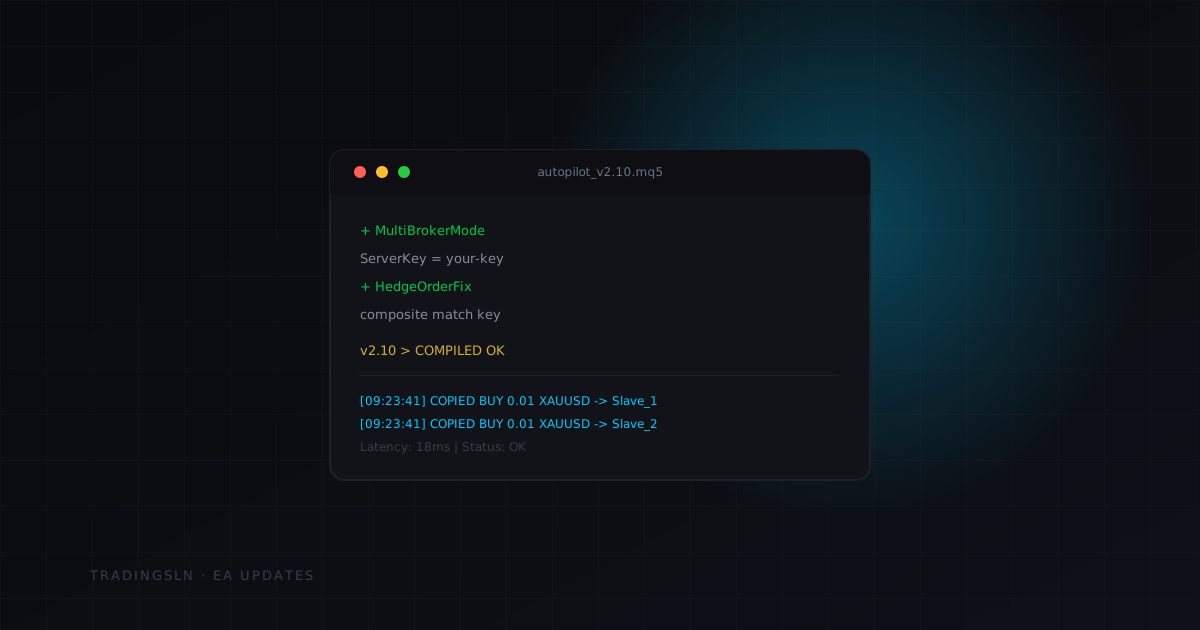
AutoPilot Trade Copier v2.10 is now available for download in your dashboard. This update focuses on two major features requested by users running accounts across multiple brokers, plus a bug fix that affected a small percentage of hedge mode users.
What Is New in v2.10
Multi-broker Mode
Previously, the copier required all master and slave terminals to share the same broker's server. This was fine for most use cases but excluded traders running a funded account on one broker and a personal account on another.
Multi-broker mode removes this restriction. You can now copy from:
- FTMO (MetaQuotes demo infrastructure) → IC Markets or Pepperstone (live)
- Any prop firm → any retail broker
- Multiple prop firms simultaneously from a single master
The connection uses a lightweight WebSocket channel instead of shared memory files. Latency is slightly higher than local mode (typically 80-200ms depending on your connection) but consistent and reliable.
How to enable:
// In both master and slave settings:
Mode          = SERVER      // change from LOCAL to SERVER
ServerKey     = your-key    // generate in the EA Victor dashboard
Region        = AUTO        // EU / US / ASIA — or let it auto-select
Generate your server key in the dashboard under Dashboard > Account > Copier Keys. Each key can connect up to 10 slave terminals.
Hedge Order Fix
A small percentage of users running hedge mode (holding both long and short positions simultaneously on the same pair) reported that the slave terminal was incorrectly closing one leg of the hedge when the master modified the other leg.
The root cause was a position matching bug when two trades had identical magic numbers but opposite directions. The copier was using magic number alone to match trades between master and slave — when both legs had the same magic number, modifications to the long could be misapplied to the short.
v2.10 now matches positions using a composite key: magic_number + direction + open_price_rounded. This eliminates the ambiguity.
INFO
This bug only affected users with
HedgeMode = truein their settings. Standard single-direction copying was not affected.
Performance Improvements
Memory usage: Reduced by approximately 35% through more efficient position array management. On VPS machines running 10+ slave terminals, this was causing periodic slowdowns. Now resolved.
Reconnection speed: When a terminal loses connection and reconnects, the copier now syncs open positions within 800ms instead of the previous 3-5 seconds. This prevents the brief window where a position exists on the master but not yet on the slave.
Copy confirmation logging: The EA journal now logs each trade copy with a timestamp and latency measurement. Example:
[2026-05-14 09:23:41] COPIED: BUY 0.01 XAUUSD -> Slave_1 | Latency: 18ms | Status: OK
[2026-05-14 09:23:41] COPIED: BUY 0.01 XAUUSD -> Slave_2 | Latency: 22ms | Status: OK
[2026-05-14 09:23:41] COPIED: BUY 0.01 XAUUSD -> Slave_3 | Latency: 31ms | Status: OK
How to Update
- 1Log into your dashboard and go to Licenses > Downloads
- 2Download
AutoPilot_Master_v2.10.ex5andAutoPilot_Slave_v2.10.ex5 - 3Remove the current EA from your charts (right-click > Remove Expert)
- 4Copy the new files into your
MQL5 > Expertsfolder - 5Restart MetaTrader 5
- 6Re-attach the EA to your charts with your saved settings
Your license key does not change — use the same key as before.
TIP
Save your current EA settings before removing: right-click the EA in the Navigator > Modify > Save (give it a name). You can then Load these settings when re-attaching v2.10.
Known Issues in v2.10
- Multi-broker mode currently requires a stable internet connection. If the connection drops for more than 30 seconds, you will need to manually resync positions using the
Resyncbutton in the EA panel. Automatic resync on reconnect is planned for v2.11.
Questions or issues with this update: open a support ticket in your dashboard and reference v2.10.
Related posts
Copier Automation
Master-Slave Copying Explained: The Failure Modes Every Multi-Account Trader Should Know
Trading Education
What Should Never Be Automated: The Boundaries Between a Trading System and a Trading Decision
Platform Tutorials